






Your customer experience reflects how well your brand helps people solve problems, get answers, and go through a buyer’s journey that’s smooth and satisfactory. When your customer base starts growing, it becomes more challenging to provide the same level of attention and personalization.
But it only becomes more important because an excellent customer experience can persuade 83% of customers to trust your company more. More trust translates into a growing audience and revenue. That’s where tools like Observe AI Agent Assist come into play, offering support automation that feels personal and on-brand.
In this guide, we’ve analyzed Observe AI, its main features, pros and cons, as well as the main alternatives to help you find the best tool for your business and customers.
Keep on reading to learn:
- Why look for Observe AI alternatives?
- What to look for in Observe AI Agent Assist competitors?
- And the top 8 customer support automation tools to try in 2026
What is Observe AI?
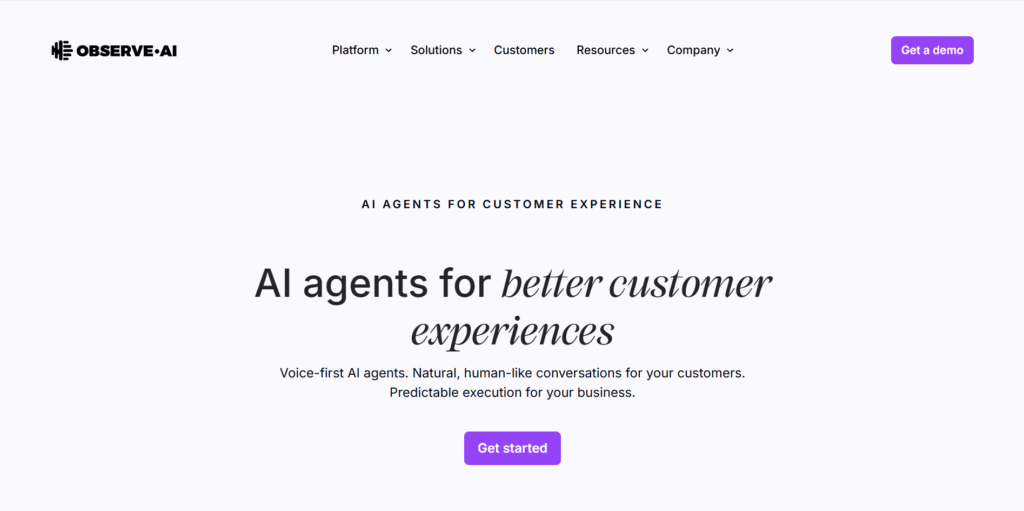
Observe AI Agent Assist is a contact center AI software designed to supercharge how organizations understand and improve human interactions, especially in customer-facing environments like:
- Support centers
- Sales teams
- Service operations
At its core, Observe AI uses speech intelligence, quality automation, and AI-driven coaching to transform raw conversations into actionable insights. Think of it as a digital addition to your team that helps personalize, speed up, and improve every interaction with customers.
What it does:
- Listens at scale: It ingests customer calls, chats, and other interactions—millions of them at the time.
- Understands context deeply: Using AI models fine-tuned for real-world conversations, noise, accents, and interruptions, Observe AI extracts what actually happened: sentiment, compliance behaviors, friction points, product issues, and opportunities.
- Scores and analyzes automatically: Quality assurance steps that used to be manual and slow become automated and consistent.
- Coaches teams intelligently: Insights flow directly into individualized coaching plans, helping agents and managers improve faster and more effectively.
- Records screens: Observe AI screen recording captures customer interactions to see how your agents are handling customers, what works, and what could be improved.
- Summarizes calls: Observe AI call summarization, after each call with customers, automatically generates call summaries to reduce manual work and help your agents assist more customers.
Observe AI pricing
Observe AI doesn’t disclose pricing on its website, but the company offers a demo version to try the tool.
Pros
- High-quality conversation intelligence
- Automates a traditionally manual QA process
- Better coaching and agent performance
Cons
- Requires organizational change to get full value
- Pricing may be high for smaller teams
- Setup can be complex
- AI accuracy varies by use case
Why look for Observe AI alternatives? 5 limitations to pay attention to
While Observe AI offers many useful features across industries, if you landed on this page, chances are you’re still not 100% sure whether it’s the right call. We went over SaaS product pages to gather honest Observe AI customer reviews and list the things some of them point out as the main limitations.
1. Inaccurate AI
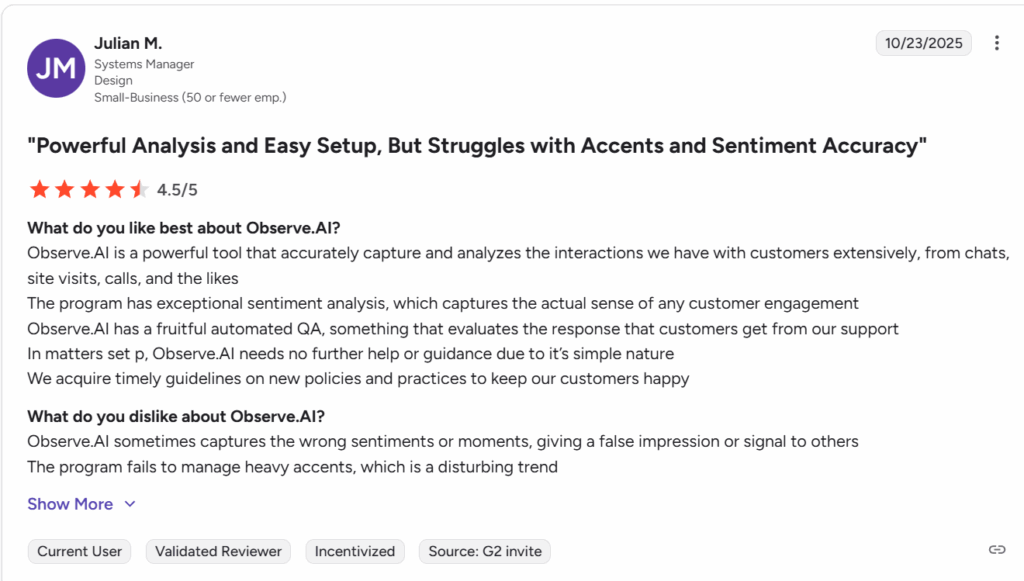
Some users report that transcription or intent detection can be inconsistent, especially in niche industries or highly specialized domains.
This often stems from complex terminology, fast-paced dialogue, or overlapping speech, where generic or semi-specialized models may struggle. When accuracy dips, QA automation and analytics lose reliability. That’s when you should start looking into more advanced solutions to get the most out of AI automation.
2. Limited language and accent recognition
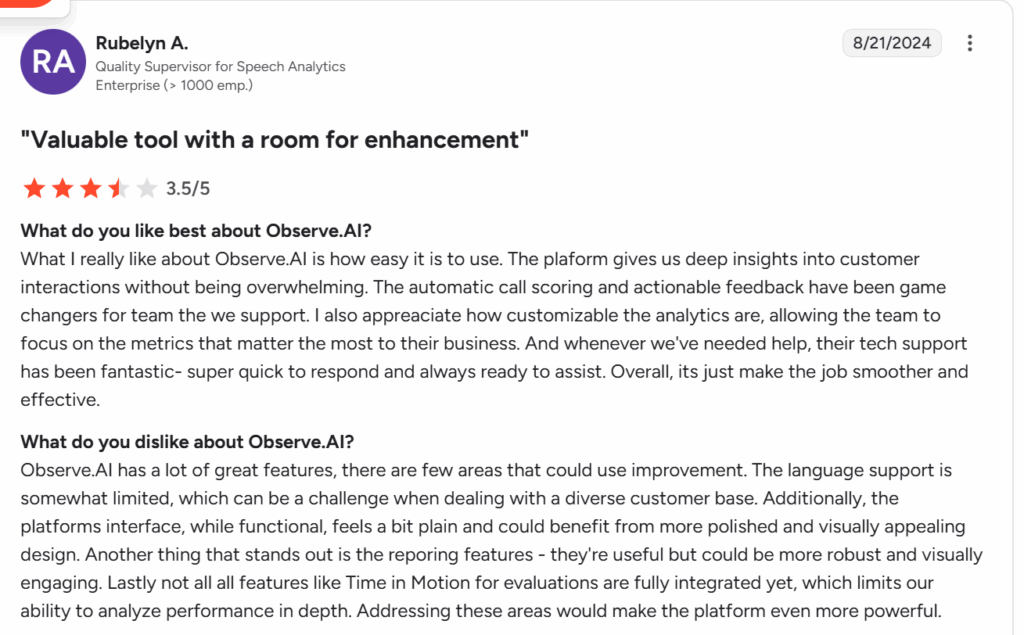
Observe AI Agent Assist and other main features have strong capabilities for English-language contact centers, but organizations with multilingual support or heavy accent variability may feel the system doesn’t meet their needs. It might be sufficient if your customers are based in English-speaking countries, but as most companies grow, they expand internationally.
What’s worth keeping in mind is that even if, at the moment, all your customers are from English-speaking countries, you might still grow in the future, and it’s more convenient to have the right tools from the start.
3. Missing features
Some users find that Observe AI excels in QA and coaching but lacks features they consider essential, such as:
- More advanced real-time agent assist
- Deeper workflow automation
- More flexible reporting customization
- Expanded integrations or API capabilities
If you want an all-in-one platform for your customer support automation, then Observe AI might not be the most optimal choice.
4. Limited analytics
Analytics is what gives you a clear window into how well your support teams are doing and how customers are responding. While Observe AI provides analytics, some customers point out that broader conversation intelligence across departments and predictive or prescriptive insights beyond descriptive analytics are missing.
5. Clunky UX
One of the key factors in the longevity of the SaaS solutions is how easy it is to integrate them into your team’s workflows, so that they enjoy using new tools. When it comes to Observe AI, some users cite usability challenges such as:
- A UI isn’t intuitive
- Workflows that require too many clicks or manual steps
- Dashboards that are not immediately actionable for managers or agents
If you have big and diverse teams and hire frequently, then having a system with a user-friendly UX is key.
What to look for in Observe AI alternatives?
If you decide to look for Observe AI Agent Assist and customer support automation alternatives, you need to know exactly what to look for. We communicate a lot with contact center leaders and customer support team leads who consistently point out these features to keep in mind when choosing automation solutions.
Why should you trust us?
One of the biggest issues companies face when buying SaaS tools (including Observe AI) is that these tools take time and other resources to integrate. And if you’re not getting the ROI you expected, it’s difficult to change. In order to replace a business platform, you have to look for a different tool again, move your data, retrain your team, set up, and customize the new tool.
That’s why we want to encourage you to take your time. Analyze each option carefully to ensure the one you choose sticks. We reviewed Observe AI and its alternatives, analyzed customer reviews, and compared each platform to help you find the options you can use for years to come.
Proven AI capabilities
52% of companies say AI and chatbots have significantly improved the speed and efficiency of their customer service. So whether you have only a few customers or thousands or millions, you can’t ignore the benefits of the right customer experience automation. Contact center AI software can handle real-world complexity—not just ideal scenarios.
For example, as a contact center, you need to pay attention to small details like accents, background noise, emotional nuance, interruptions, jargon, and unpredictable customer behavior. Humans do that well, but they struggle to do it at scale.
Low accuracy undermines everything downstream:
- QA scoring
- Coaching effectiveness
- Compliance detection
- Analytics
Proven AI call center software provides consistent, reproducible, benchmarked results, not anecdotal success, at scale.
Multilingual and omnichannel support
A study on omnichannel service showed that 46% of firms saw a rise in customer lifetime value in response to omnichannel engagement. Also, 45% saw better engagement and 35% retained more customers.
Gone are the days when customers would even consider going through your website to look for a contact number. Now, it’s your responsibility to meet your customers where they are, across voice, chat, email, messaging apps, and often multiple languages.
Advanced analytics
Without advanced analytics that oversee your customer support from a 360-degree perspective, you can’t move forward because you can’t tell what works and what doesn’t. Companies increasingly expect AI platforms to be strategic intelligence engines, not just QA tools.
Teams need flexible, customizable dashboards to satisfy different stakeholders—operations, product, compliance, and marketing. Advanced analytics turn conversation intelligence into enterprise-level decision support, not just reporting.
Full CX platform
If you have to switch between multiple tools to achieve one task, it defeats the purpose of automation and having tools in the first place. Many organizations prefer a single contact center AI software that unifies call center quality assurance, analytics, agent assist, coaching, and workflow automation.
This way, you can:
- Reduce vendor sprawl
- Ensure consistent data across all tools
- Create a seamless experience for supervisors and agents
- Speed up time-to-value by eliminating integration hurdles
This “all-in-one” approach is attractive for organizations wanting long-term scalability and operational simplicity.
What are the best Observe AI alternatives in 2026? 8 tools not to skip
Now that you know what to focus on when choosing a tool to automate your customer support operations, let’s look at actual platforms that help you achieve that. But before we go further, we also want to highlight that before selecting any service, it’s important to pay attention to:
- Your goal—does the tool match it?
- Your audience—does the platform allow you to reach your customers where they are?
- Your team—will your team feel comfortable using the new system?
Once you have these questions covered, you can select a platform that will meet (and hopefully exceed) your expectations.
1. Capacity

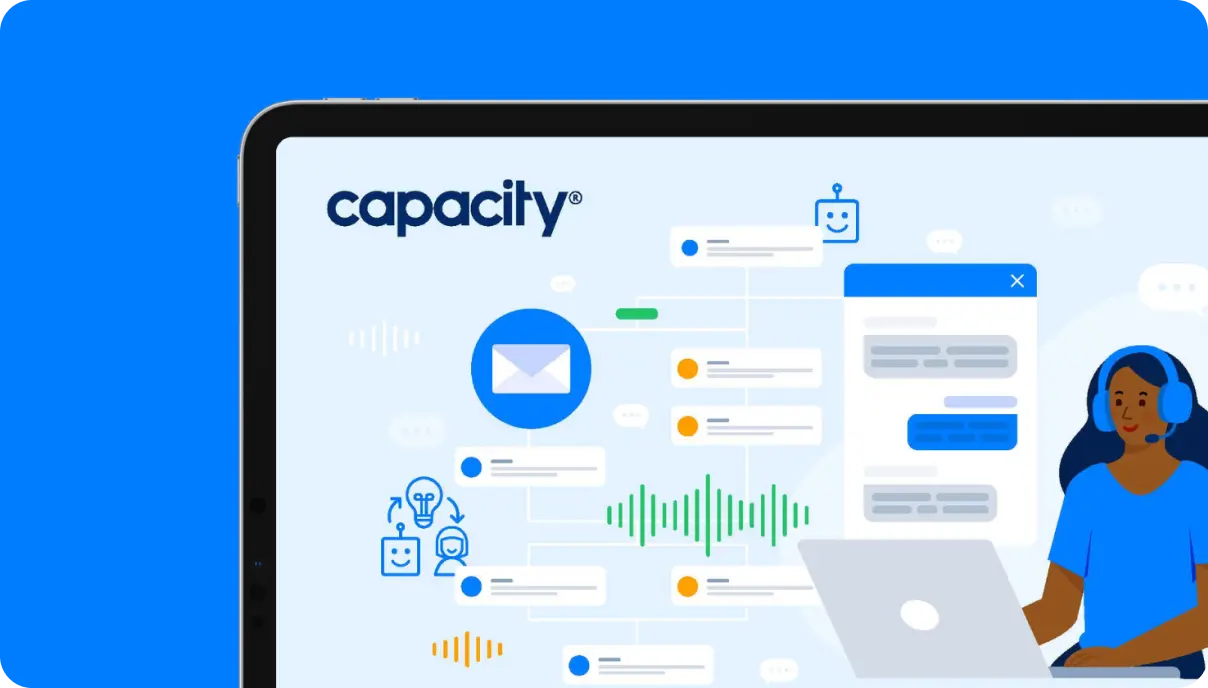
Capacity is an AI-powered support automation and call center software that helps organizations deflect tickets, automate answers, and streamline workflows for both employees and customers. It’s built to help contact centers reduce costs, deflect over 90% of inquiries, improve CSAT, and support both virtual and human agents with AI-powered efficiency.
Main features
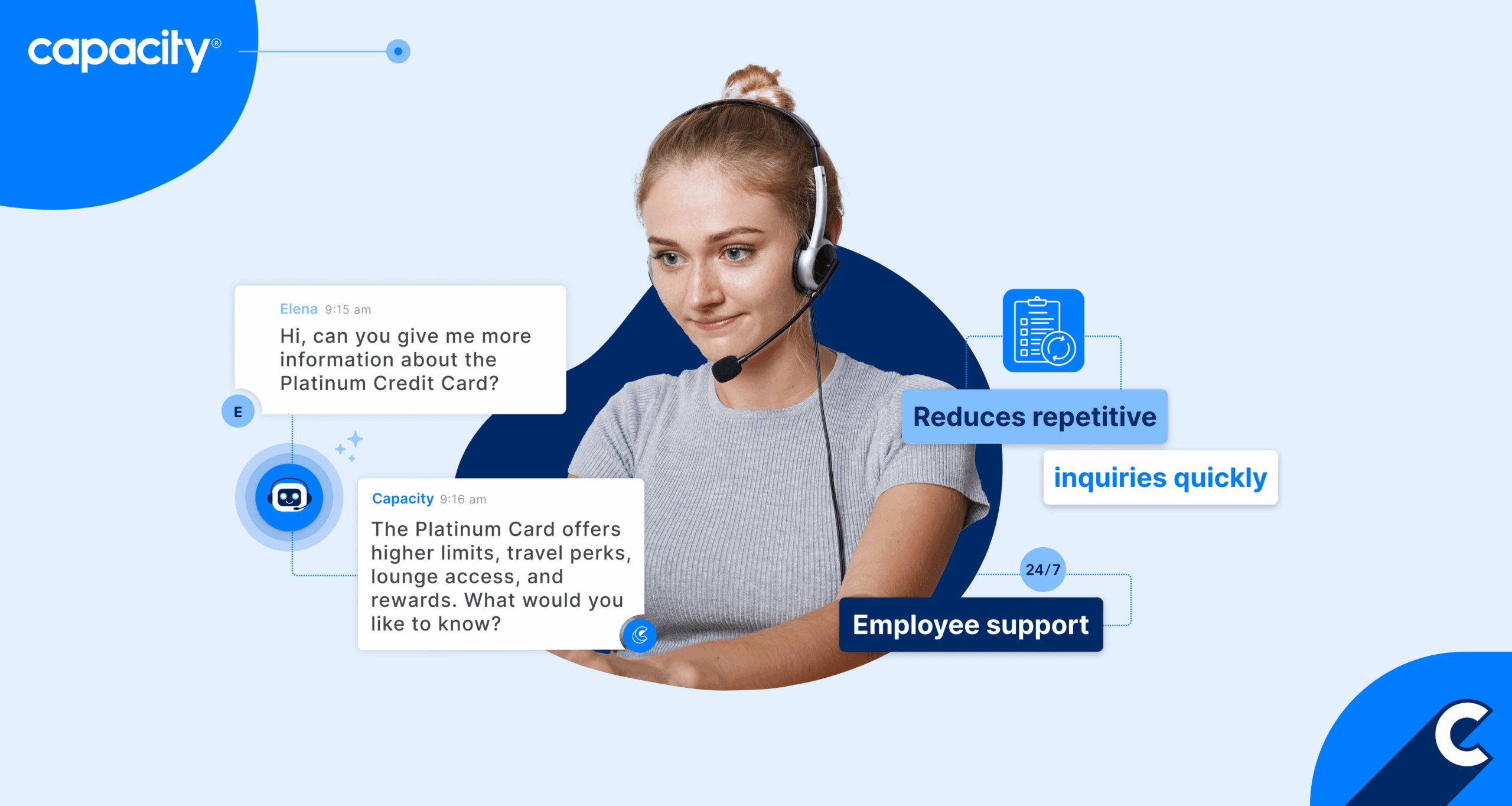
- AI chatbot: It automatically answers common questions using a trained knowledge base. You can deploy an AI-powered chatbox with a chatbot on your website or helpdesk page and customize it fully to reflect your business and style.
- Knowledge management: Capacity centralizes organizational content into an omnichannel helpdesk knowledge base so AI can surface answers instantly. Capacity offers a unique product called Answer Engine® that connects your data across different sources and creates a unified business brain that helps your team find information in seconds.
- Workflow automation: The platform automates internal processes like onboarding, approvals, and requests.
- Helpdesk escalation: Routes unresolved inquiries to human agents with context attached. You can also integrate your helpdesk with a knowledge management system and connect it across various channels, making it a strong omnichannel helpdesk solution for your teams and customers.
- Agent assist: Agents receive real-time guidance, reducing stress and burnout. Capacity offers a strong alternative to Observe AI Agent Assist with tools for agents to achieve better results. They get real-time coaching during live interactions, post-call summaries, and tips and tricks on how to improve their work.
- Advanced analytics: When you unify your data across your whole business and add advanced analytics to customer support, you get a full view of your operations. Connect your knowledge once, and Capacity uses it across the entire customer journey—chat, voice, email, agent assist, QA, and analytics.
Pros
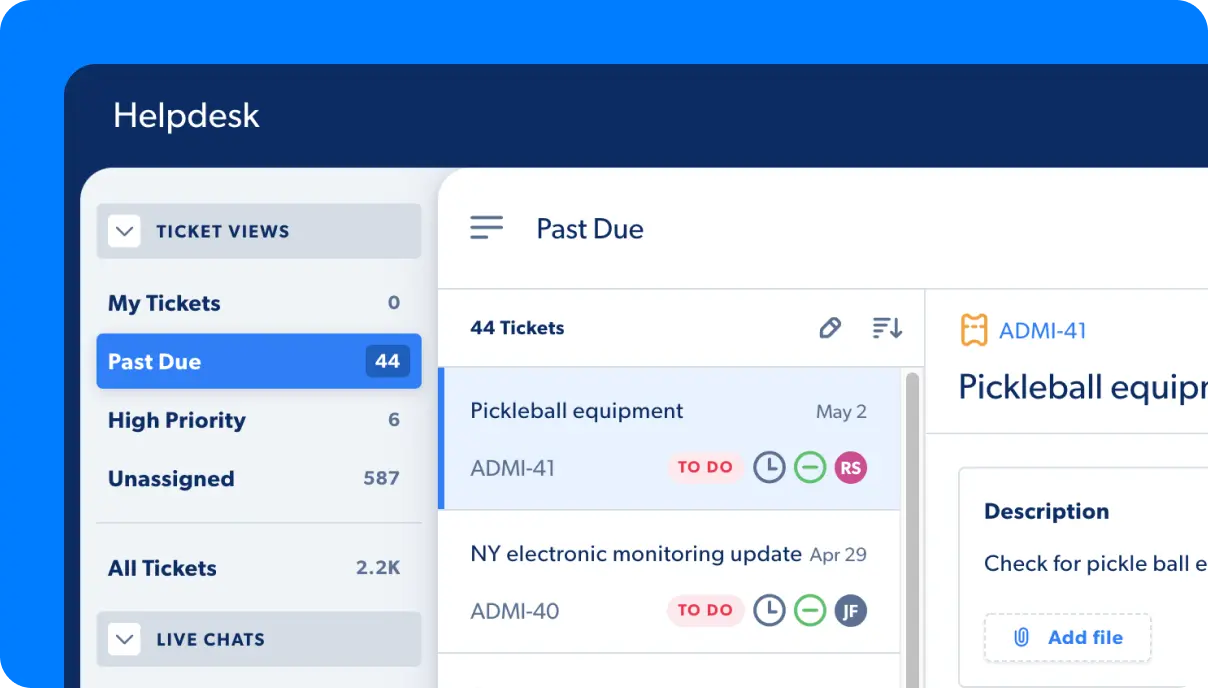
- Strong for internal helpdesk and employee support
- Easy no-code configuration
- Reduces repetitive inquiries quickly
- Convenient agent assist tools
Cons
- Might not be the right fit for small companies
2. Balto
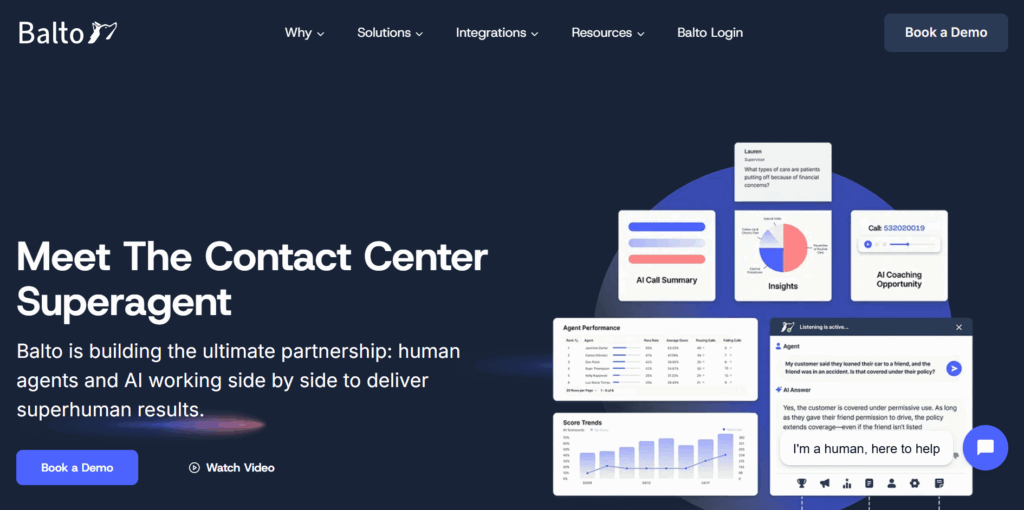
Balto is a real-time agent guidance tool that gives agents instant on-screen prompts during live calls, helping them stay compliant, persuasive, and consistent.
Main features
- Real-time agent assist provides live prompts, rebuttals, and workflow suggestions during calls
- Real-time QA scores interactions as they happen for faster feedback cycles
- Dynamic scripts allow for updating agent scripts on the fly based on customer responses
- Performance analytics tracks agent behavior patterns and compliance metrics
Pros
- Strong real-time coaching capabilities
- Immediate impact on compliance and sales calls
- Easy for supervisors to monitor in real time
Cons
- Limited post-call analysis depth
- Not ideal for strategic conversation intelligence
- Less effective for non-voice channels
3. Cognigy
Cognigy is a powerful enterprise-grade conversational automation platform and AI call center software that builds advanced voice and chat virtual agents for customer service at scale. These AI-powered chatbots for customer support allow you to deflect repetitive and small inquiries, giving your agents more time to focus on more complex cases.
Main features
- AI virtual agents automate customer conversations across channels with natural-sounding dialogue
- Flow builder allows teams to design complex conversation workflows visually
- Voice gateway integrates AI-driven automation directly into contact center telephony
- The analytics suite provides insights into bot performance, customer journeys, and automation ROI
Pros
- Enterprise-level automation capabilities
- Strong omnichannel support
- Highly customizable for complex customer journeys
Cons
- Requires technical resources to maximize value
- Primarily focused on automation, not agent coaching
- Heavyweight solution for smaller teams
4. Gong
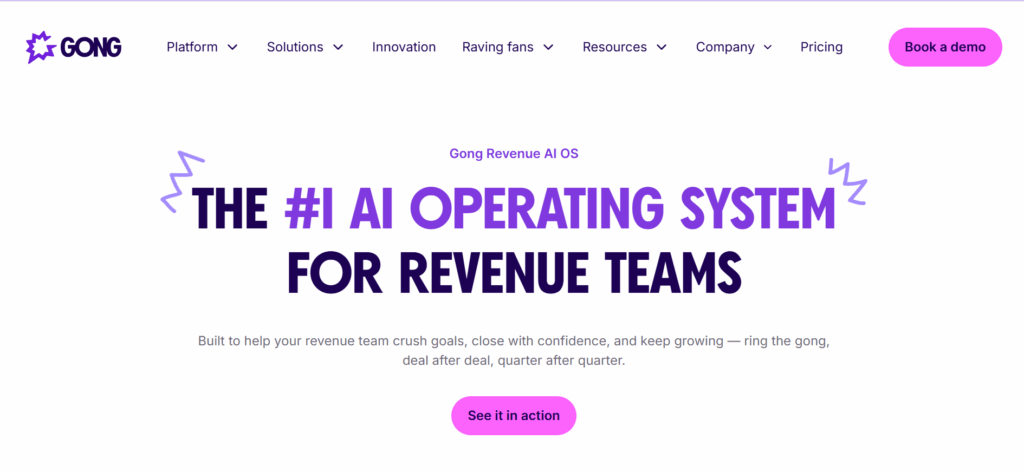
Gong is a revenue intelligence platform that analyzes sales calls, emails, and interactions to help sales teams close more deals using data-driven insights.
Main features
- Call recording and analysis captures and analyzes sales conversations for coaching and forecasting
- Deal intelligence shows risks and opportunities across the sales pipeline
- Rep coaching tools highlight behaviors that correlate with top performance
- Market insights identify themes, objections, and product trends across conversations
Pros
- Great for sales conversation intelligence
- Excellent coaching insights for sales leaders
- Strong pipeline visibility
Cons
- Not designed for support or service contact centers
- Limited use cases outside revenue teams
- Can be expensive for large teams
5. Cresta
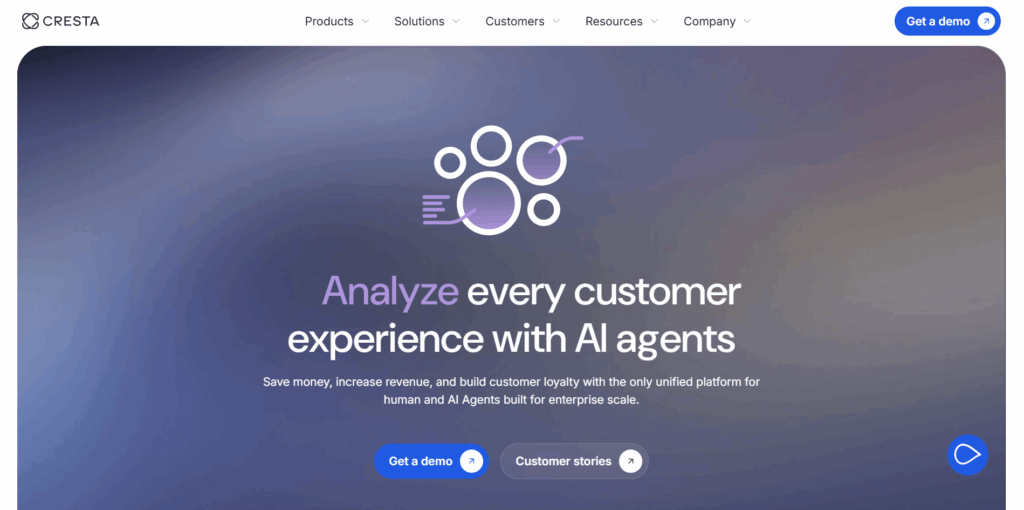
Cresta is a call center AI software with additional features for full customer service support. It provides real-time intelligence and coaching for contact centers, combining AI agent assist, QA automation, and post-call analytics.
Main features
- Real-time agent assist gives agents live hints, suggestions, and knowledge surfacing during calls
- Automated QA evaluates calls at scale with customizable rubrics
- Post-call insights reveal customer trends and agent performance patterns
- Coaching playbooks offer personalized coaching recommendations based on behaviors
Pros
- Strong mix of real-time and post-call capabilities
- Deep analytics for coaching and performance
- Flexible QA automation tools
Cons
- Setup can be complex
- Real-time features require solid technical infrastructure
- Less automation depth compared to virtual agent platforms
6. Olark
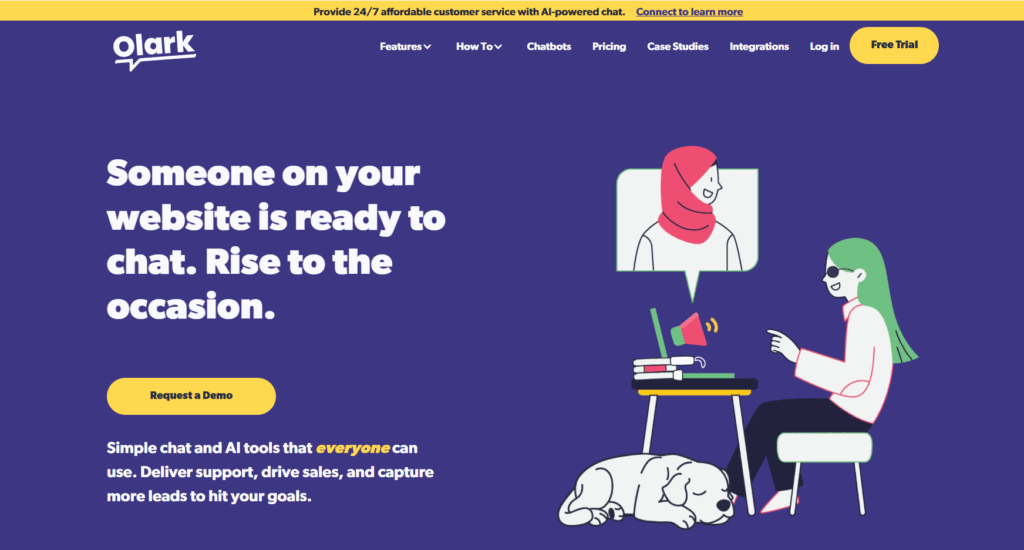
Olark is a simple, easy-to-use live chat solution for customer support teams looking to engage visitors, answer questions, and collect feedback on websites. It’s a strong option with contact center AI platform features.
Main features
- The live chat widget lets teams chat with customers in real time on their website
- Automations trigger messages, routing, and tagging based on customer behavior
- Transcripts and reporting stores chat logs and provides insights on volume and themes
- CRM integrations sync conversations with tools like Salesforce or HubSpot
Pros
- Very easy to deploy and operate
- Affordable for small to mid-sized teams
- Clean, intuitive interface
Cons
- No voice or omnichannel support
- Limited analytics depth
- Not built for enterprise CX or QA automation
7. Sierra

Sierra is an AI agent platform with call center AI software capabilities designed to automate customer conversations end-to-end with highly capable, goal-driven AI agents.
Main features
- AI agents handle full customer conversations autonomously across channels
- Task automation executes tasks like account changes, troubleshooting, or order updates
- The reasoning engine uses a chain-of-thought style of reasoning to solve multi-step issues
- CX integrations connect with CRMs, ticketing systems, and backend tools
Pros
- Strong end-to-end automation capabilities
- Handles complex customer requests with reasoning
- Reduces human workload significantly
Cons
- Not focused on agent coaching or QA
- Still emerging compared to legacy CX vendors
- May require process redesign for full automation
8. Yellow AI
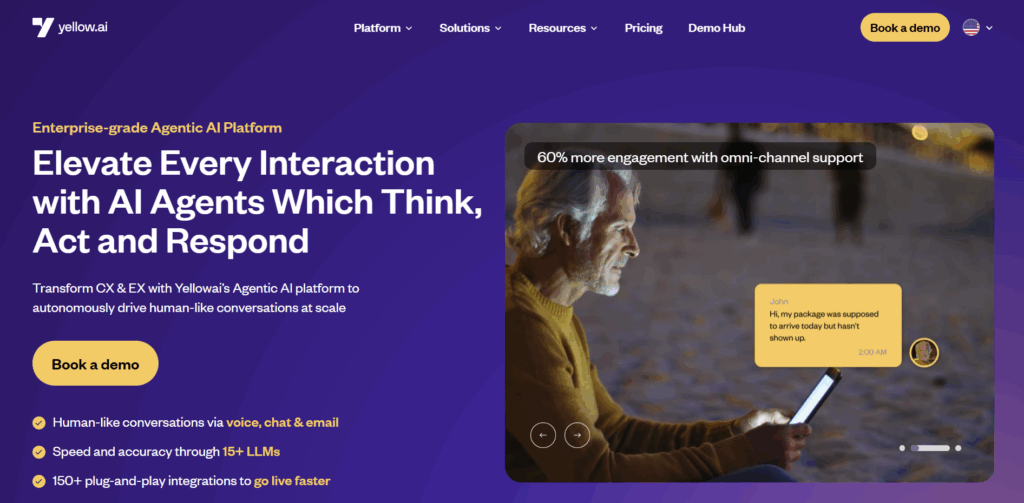
Yellow AI is a conversational automation and contact center AI platform that builds AI-driven chatbots and voicebots for global enterprises, focusing on multilingual and omnichannel experiences.
Main features
- AI chat and voice bots automate customer interactions across channels with natural language
- Omnichannel orchestration supports voice, chat, messaging apps, and social channels
- Multilingual AI provides native support for dozens of languages
- Journey designer lets teams craft customized customer flows without coding
Pros
- Strong multilingual capabilities
- Broad channel coverage
- Versatile automation tools
Cons
- Less focused on agent-side intelligence
- QA and coaching capabilities are limited
- Can be complex to implement at an enterprise scale
Your unified solution for customer and team support
Automating your customer support operations has endless benefits for your business success, your contact center’s productivity, and customer experience. However, if you want to get the most out of automation, it’s important to look for tools that offer a unified experience to avoid jumping between platforms and data silos.
Just to recap—the top 8 Observe AI alternatives to try in 2026 are:
- Capacity
- Balto
- Cognigy
- Gong
- Cresta
- Olark
- Sierra
- Yellow AI
If one platform for all your customer support needs sounds better, then you can’t skip Capacity. It’s one platform for virtual agents, human agents, QA, and conversational intelligence—replacing 4–5 disconnected AI vendors. All key features for successful customer support under one roof!
But let numbers speak for themselves. Calculate how much money you could save and generate using our ROI calculator. If you like what you see, book a demo!
FAQs
Look for proven AI accuracy, multilingual support, omnichannel coverage, advanced analytics, and whether the platform offers a full CX suite with QA, coaching, automation, and real-time assist.
Tools like Capacity and Cresta excel at real-time coaching, giving agents live prompts and compliance reminders during calls.
Yes—Capacity, Cognigy, Sierra, and Yellow AI focus more on end-to-end automation through virtual agents and workflows.
Conversation intelligence tools like Observe AI, Gong, and Cresta analyze human conversations for insights and coaching, while conversational automation tools like Cognigy, Yellow AI, and Sierra use AI bots to handle customer requests automatically. However, if you’re looking to combine conversation intelligence and conversational automation, tools like Capacity provide the best of both worlds.
Platforms like Olark offer easier setup and lower cost, making them great for smaller teams that don’t need enterprise-level analytics or automation.